
Log
No forms. Just write it down.
Add one expense or several in a single message - “Starbucks 25” or “Uber Eats 25, Lidl 54.30 yesterday.”
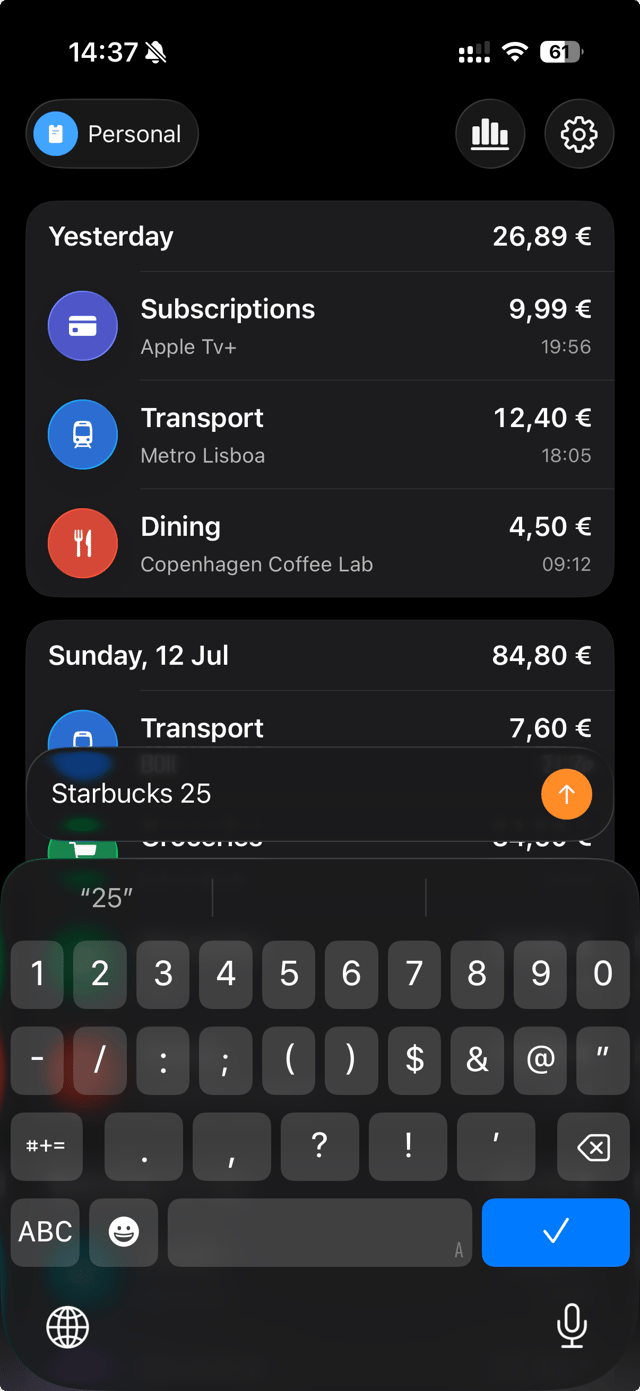
Type what you spent or ask Siri. Spenso turns one or several purchases into organized drafts, lets you review them before saving, and keeps your records on your device and in your private iCloud database.
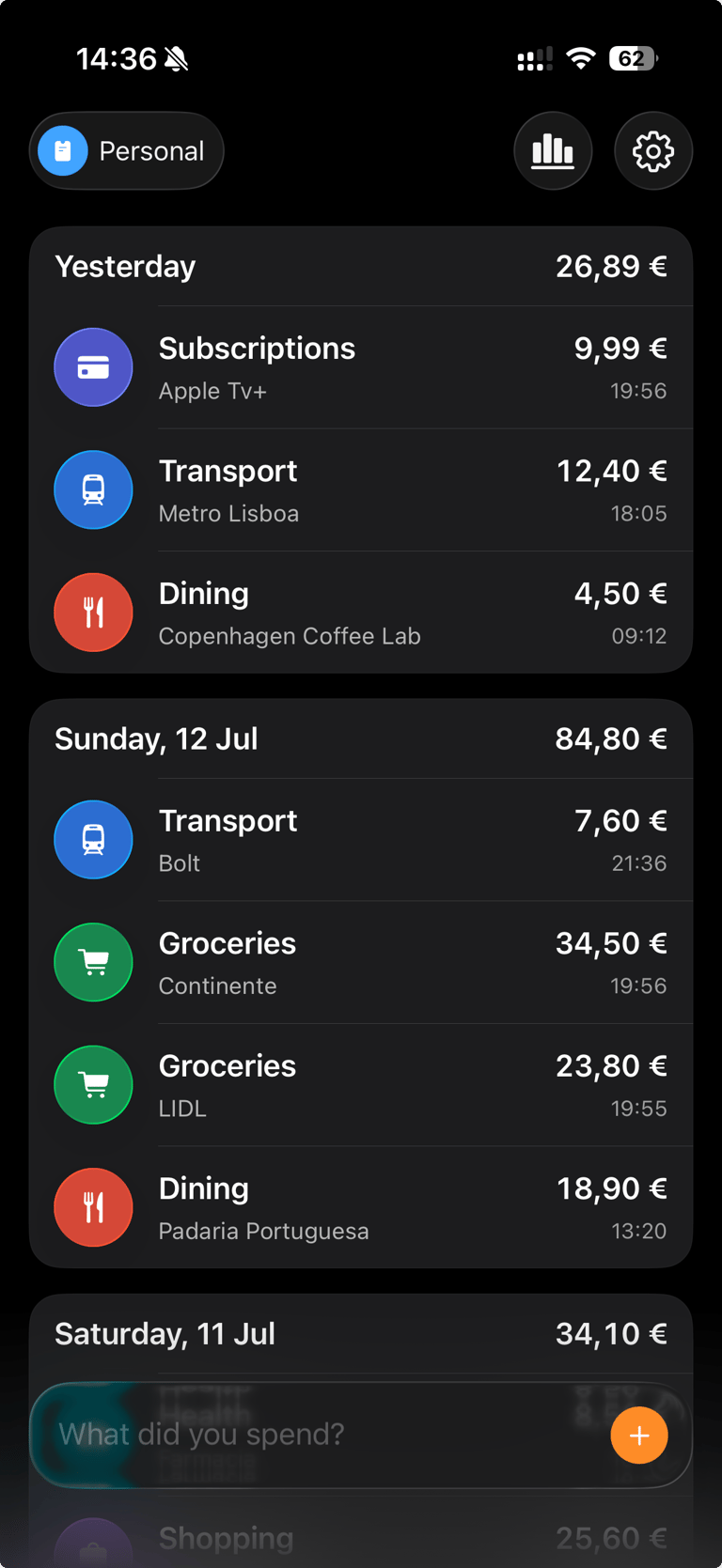
Spenso is a simple expense tracker for iPhone, built for people who want a quick record of what they spend. Enter one or several purchases in your own words, review the details, then see your spending in a daily history and monthly category totals. Spenso focuses on manual expense logging, with no budgets to set up or bank accounts to connect.
No forms, manual categories, or budgets to maintain. Just a private, useful record of where your money goes.
No forms. Just write it down.
Add one expense or several in a single message - “Starbucks 25” or “Uber Eats 25, Lidl 54.30 yesterday.”
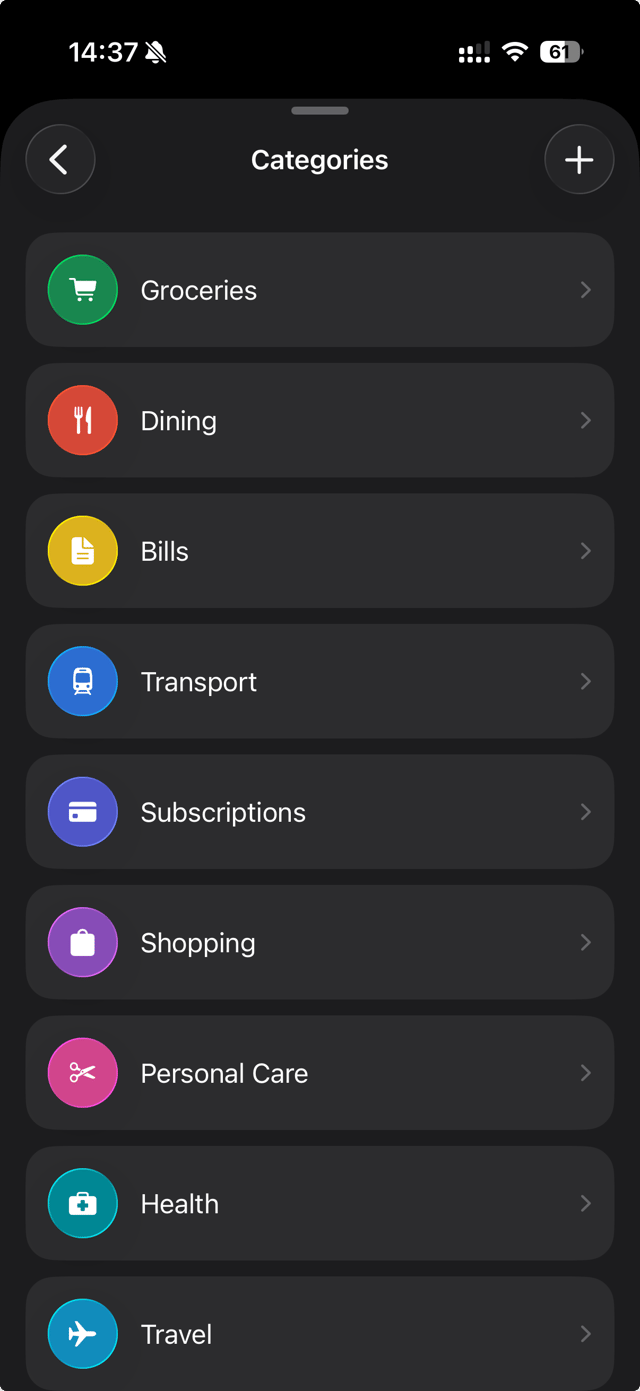
Spenso tidies up the details.
It understands the amount and merchant, then categorizes each expense on your device whenever possible.
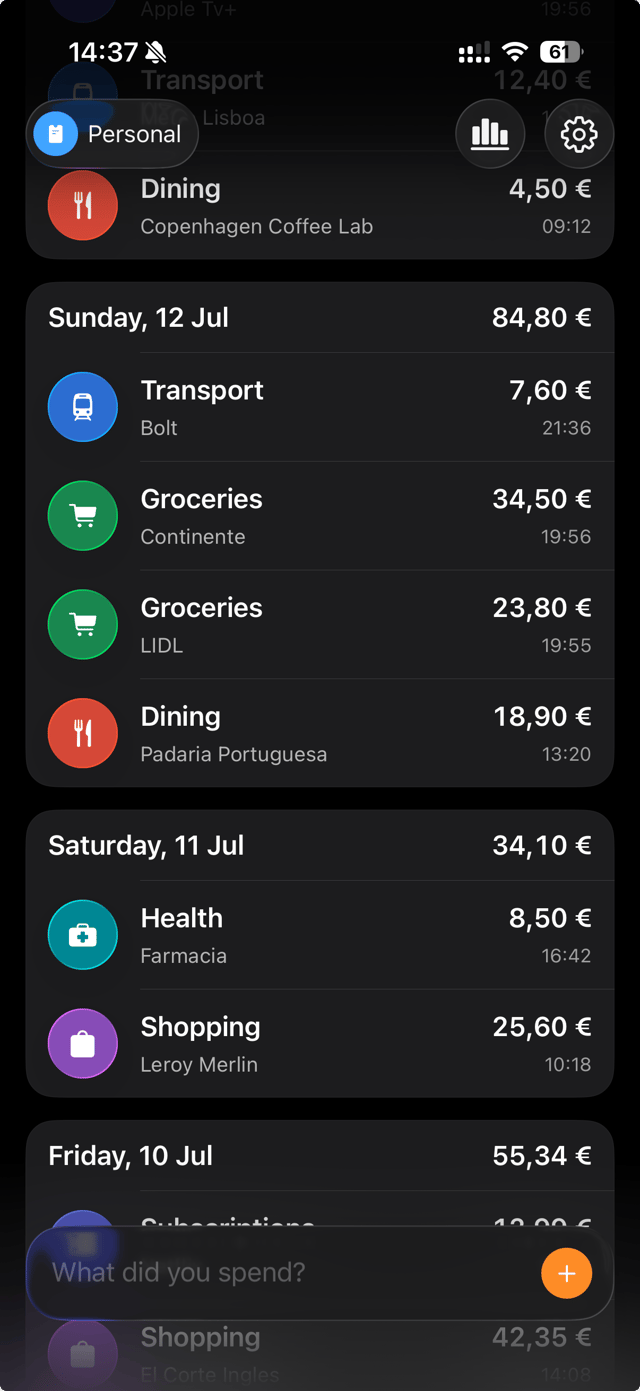
A clear record, day by day.
Coffee, groceries, transport, and subscriptions stay organized so you can see what you spent and when.
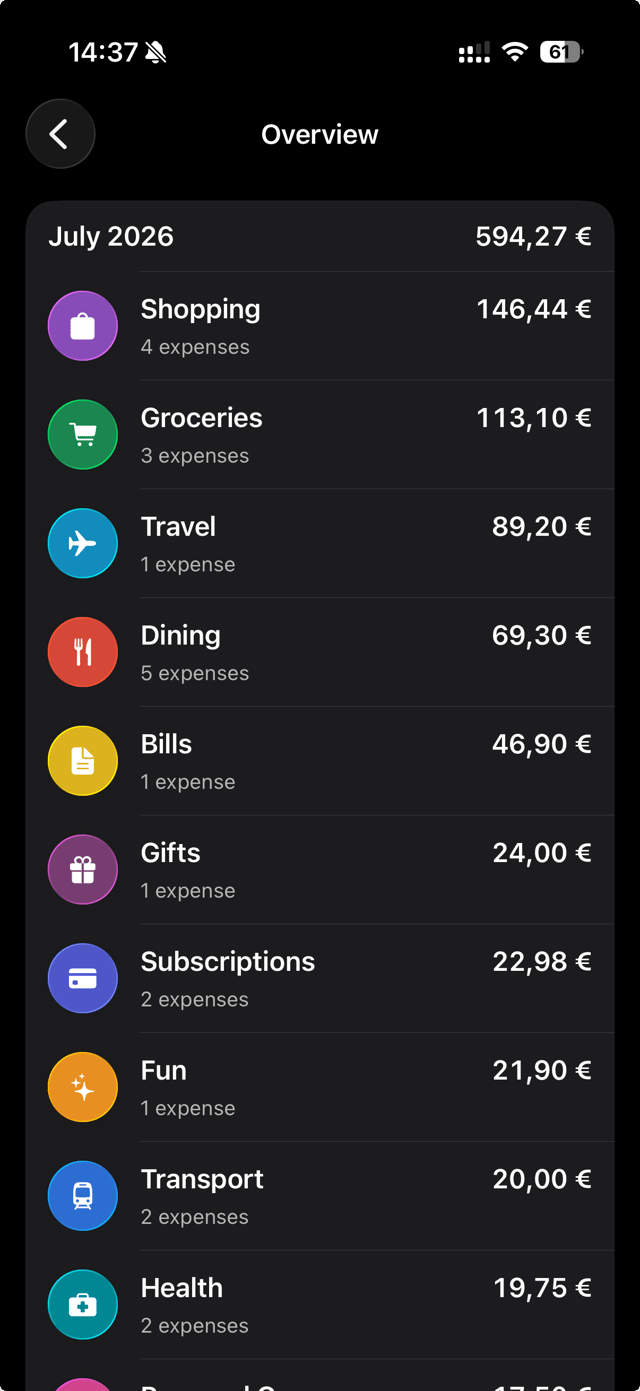
Where your money went, at a glance.
Review spending by month and category - without budgets, limits, or finance dashboards to maintain.
The honest list of what I’m building next, and the ideas waiting their turn.
Explore the roadmapNow
R-01 · Working on it
Find the right expenses from Overview or anywhere else in Spenso without digging through a long list.
Next
R-02 · Next up
Make importing and exporting expenses durable enough for large histories, imperfect files, and future versions of Spenso.
Later
R-05 · On the list
Siri expense capture is here. Next, make Spenso useful through more Shortcuts actions and thoughtful Home Screen and Lock Screen widgets.
Later
R-06 · On the list
Notice repeating expenses and small price changes without turning Spenso into homework.
Spenso is an expense log, not a budgeting app. Track what you spend without being told what to spend.